






Should You Install the iOS 27 Public Beta? What to Know First
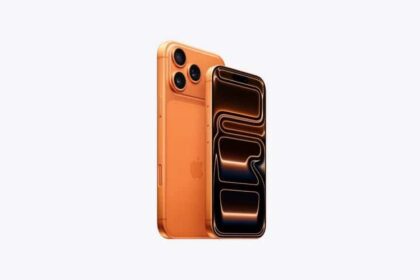
I think iOS 27 public beta is stable enough as it stands, and I would recommend iPhone users to install…

How to Share Files With End-to-End Encryption
Someone who steals an encrypted vault from a sync service…
How to Set Up Automatic Security Updates on Apple Devices
Apple patches most flaws before they are exploited, if you…
AirPlay Not Working on iPhone 18 Pro Max? How to Fix It
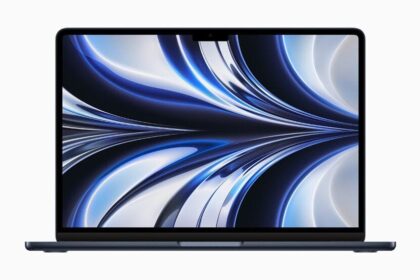
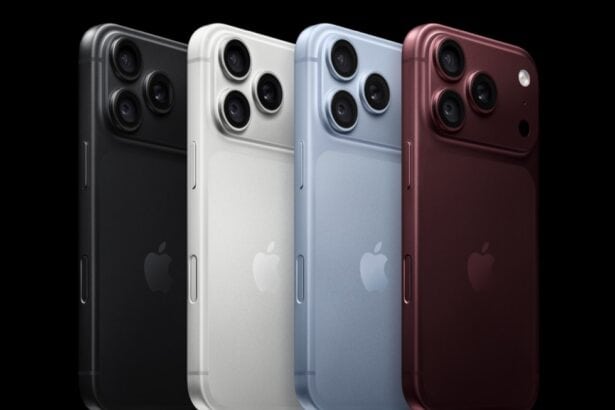
Learn how to fix AirPlay when your iPhone 18 Pro Max won't stream audio or video to a TV or Mac.
The Kinds of Mac Malware, and How Infection Happens
Ransomware is the biggest worry on a Mac and remains nearly non-existent.
How Gatekeeper Decides Which Mac Apps Can Run
Gatekeeper checks Apple’s revocation list every single time an app launches.
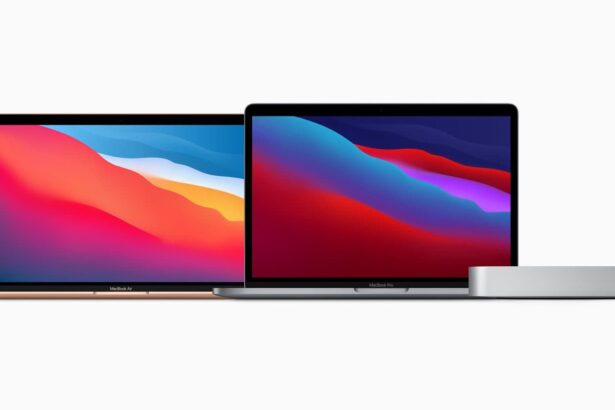
How to Set Up Safe User Accounts on a Shared Mac
An administrator account can open any file on the Mac, belonging to anyone.
The Mac Privacy and Security Settings Worth Changing
Set the lock to Immediately, or anyone can jiggle the mouse and read your files.
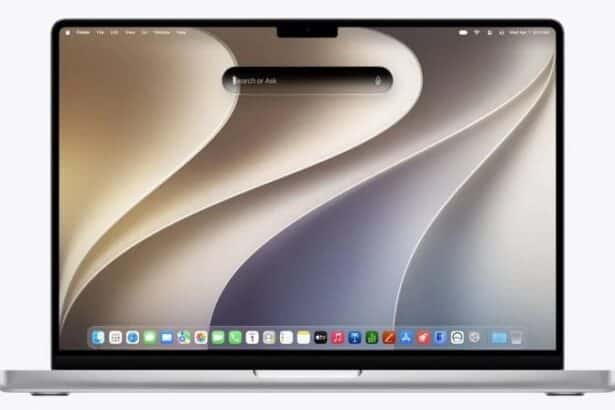
How to Share Files With End-to-End Encryption
Someone who steals an encrypted vault from a sync service has stolen trash.
Do You Need More Security Than Apple’s Defaults?
Phishing and social engineering overtook malware as the main risk years ago.
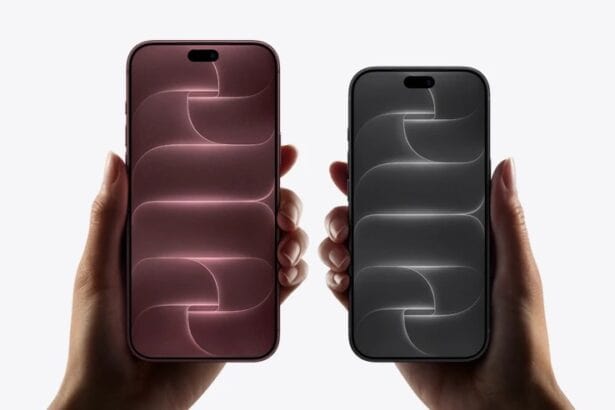
How to Set an iPhone Passcode Stronger Than Six Digits
A three-word passcode takes centuries to crack; six digits takes a minute.
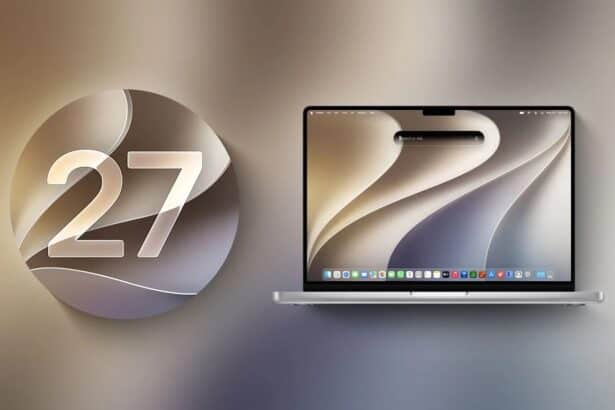
How to Set Up Automatic Security Updates on Apple Devices
Apple patches most flaws before they are exploited, if you let it.
What Private Wi-Fi Address Does, and When to Change It
A hardware address that never changes lets a network recognise you for years.
Why an App Won’t Open on Your Mac, and What to Do
Unsigned software is usually harmless, and occasionally it is malware.
How the Mac Keychain Works, and How to Lock It
Turning on your Mac can be enough to unlock every password you have saved.
Where Apple Stores Your Passwords and Passkeys
Apple never learns your device passcode, even while syncing your passwords.
Who Needs Stronger Security Than Most People
Sharing a Mac with a less careful family member raises your own risk.
How to Set Up and Disable Touch ID and Face ID
Five wrong fingers locks out Touch ID, which is useful under duress.